Army Deadlift Plate Calculator — MDL Trap Bar Math
Calculate a balanced plate combination for each side of a selected 60-pound trap-bar or 45-pound bar preset. Verify the actual bar, collars, and available plates before loading.
Optional Percentage Loading Examples
| Phase | Weight | Per Side |
|---|
How the Deadlift Plate Math Works
The calculator subtracts the selected bar preset from the target total, divides the remainder equally between both sleeves, and then chooses from its built-in plate list. A 250-pound target with the 60-pound preset leaves 190 pounds of plates, or 95 pounds per side.
The Army’s official AFT scoring scales map accepted deadlift totals to points. This tool does not certify the equipment or the attempt. Its built-in plate denominations are:
Looking for an Army deadlift weight chart rather than sleeve loading? The AFT deadlift calculator and score table show how an accepted three-repetition total maps to points for your age and scoring column. The plate total here helps assemble the load; it is not a graded MDL result.
- 45, 35 and 25 lb plates for the larger increments.
- 10 and 5 lb plates for smaller changes.
- 2.5 lb plates as the smallest built-in denomination.
If the target cannot be represented exactly with equal loading and these denominations, the calculator reports the nearest lower load and the remaining difference. Actual test-site inventory may differ.
Percentage Loading Examples
The generated 50%, 70%, and 85% rows are convenient weight calculations, not a medical recommendation or official Army warm-up. Choose repetitions, rest, and progression with qualified coaching and unit guidance.
- 50% example: Half of the entered target, rounded to a load the tool can display.
- 70% example: Seven-tenths of the target for planning plate changes.
- 85% example: A near-target loading reference.
- 100% row: The entered target total.
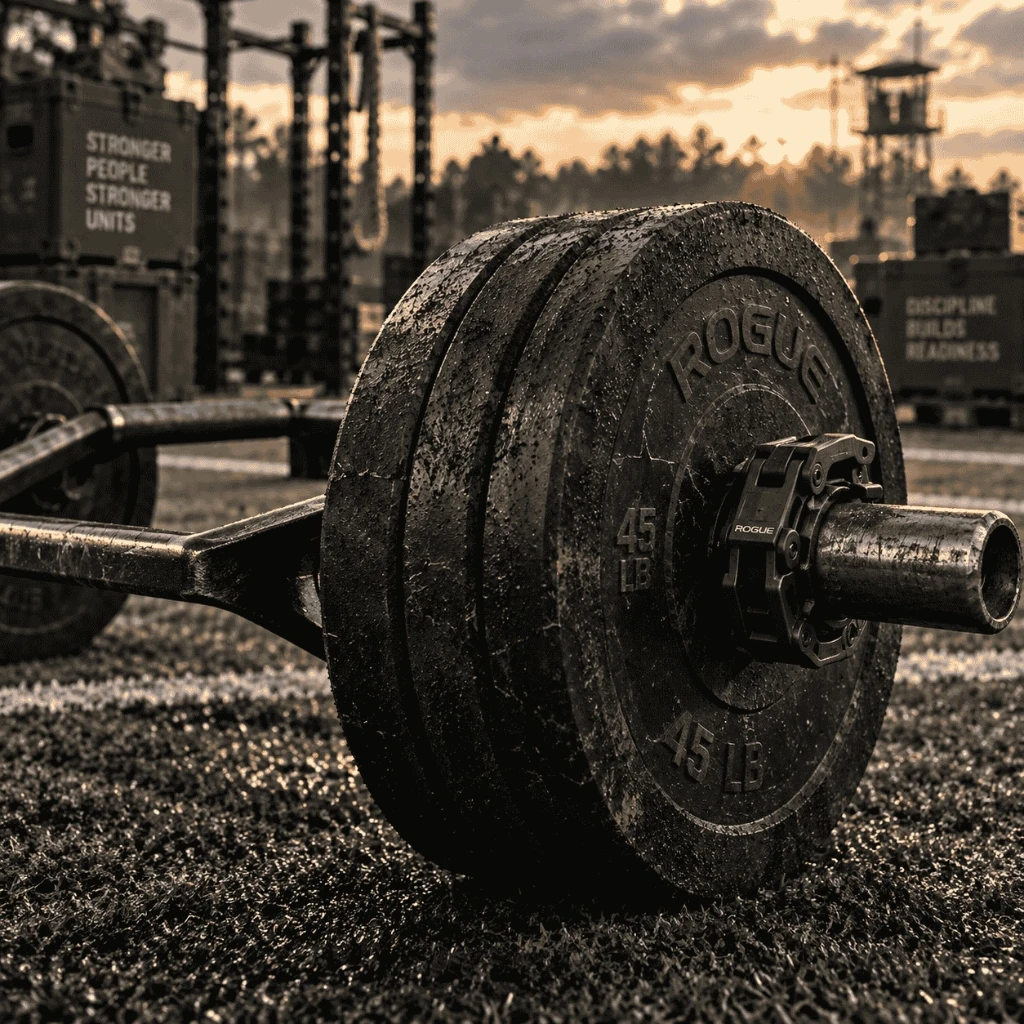
Sleeve Loading Mechanics & Barbell Balance
Place the same combination on each sleeve and secure the load with the equipment provided. Recalculate whenever the bar preset or target total changes.